From Disparate Data to Actionable Insights
InDev Dashboard connects to various data sources, consolidates information into a unified analytical model, and presents it in a convenient, user-friendly format.

Data Sources

Data Consolidation

Analytical Model
Dashboards

Analysis

Management Decision
Organizations gain more than just a collection of disconnected reports — they get a unified environment for working with performance metrics and analytical information.
Data from Multiple Sources in One Platform
InDev Dashboard brings together information previously stored across different systems and formats.
The platform supports data from:
- Enterprise resource planning and accounting systems;
- Spreadsheets;
- Various information systems;
- Manual data entry;
- Other organizational data sources.
The data is consolidated into a unified analytical model, enabling users to create their own analytical views.
Key Benefits

A Unified Information and Analytics Environment
Combine information from various information systems, spreadsheets, and other sources, and work with it in a single analytical environment.
Automated Management Reporting
Reduce manual effort in preparing analytical materials and generating reports.

Identification of Deviations and Risks
Analyze changes in performance metrics and identify deviations from predefined values in a timely manner.
Up-to-Date Insights for Management
Access structured information about organizational performance without having to manually collect data from multiple systems.
Key Performance Indicator Monitoring
Configure a system of performance metrics, track their dynamics, and compare actual results against targets.
Intelligent Analytics
Use the built-in AI assistant to forecast performance trends, detect anomalies, and generate recommendations.
Create Dashboards Tailored to Your Organization's Needs
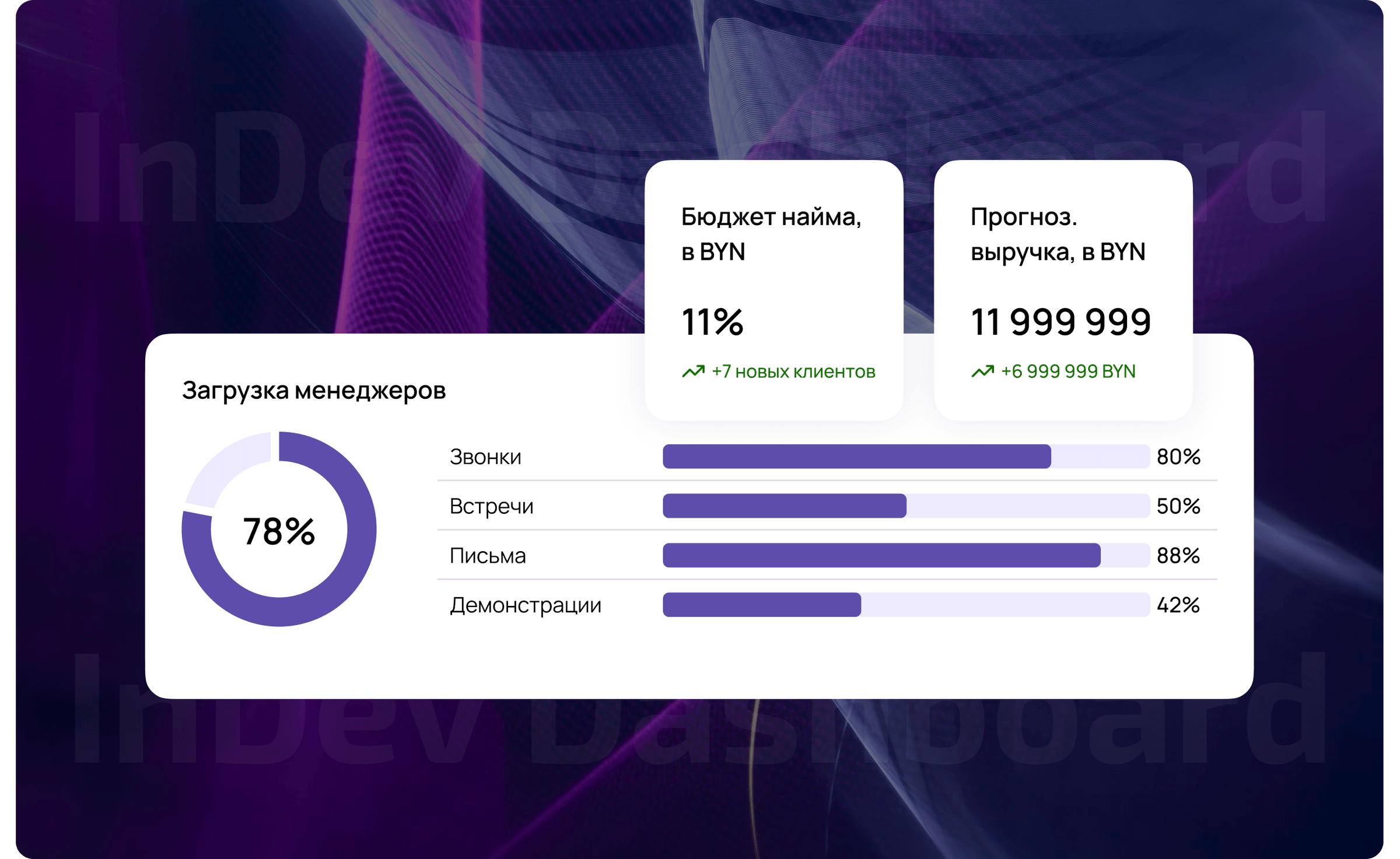
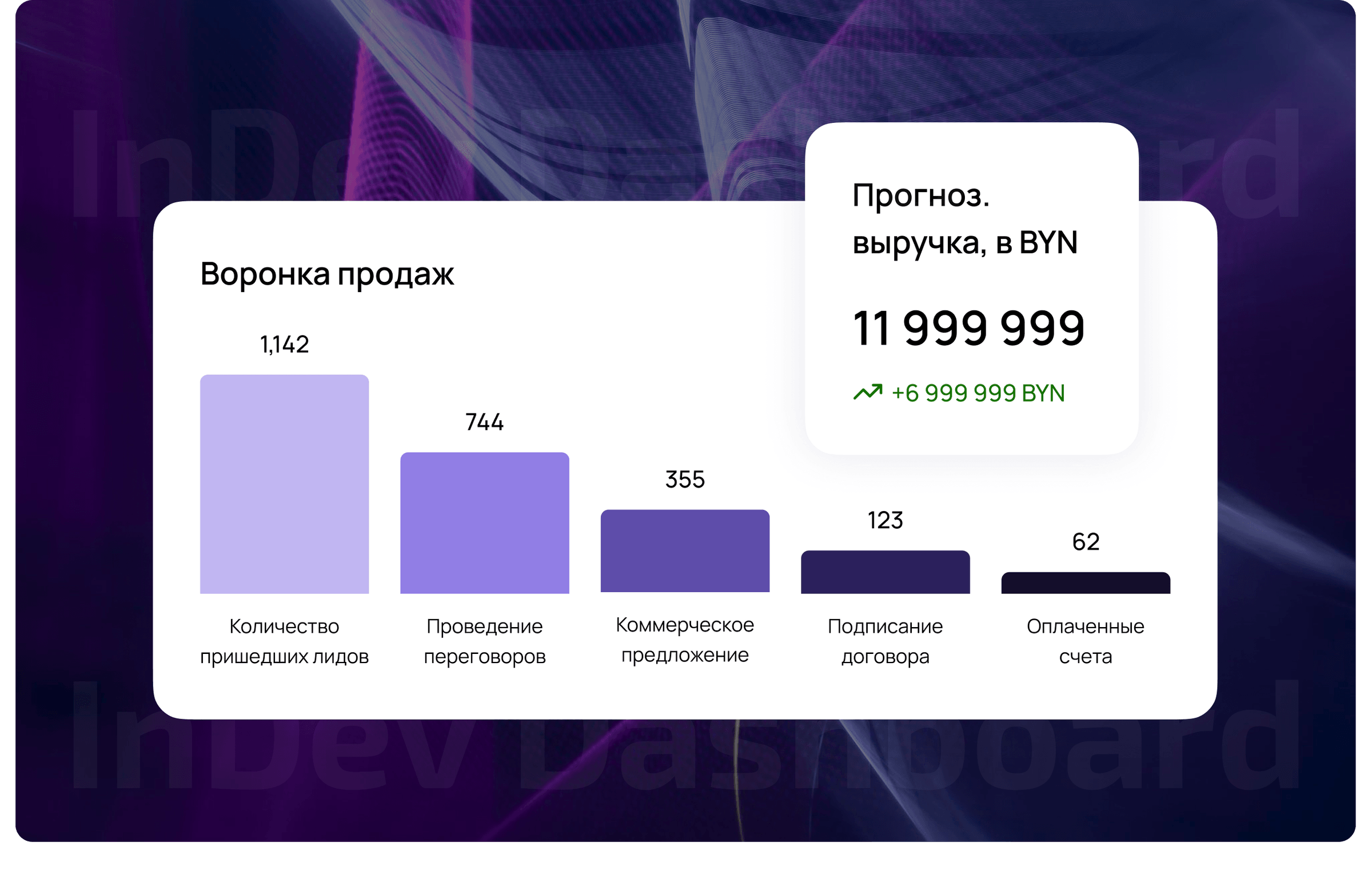
InDev Dashboard is an analytics solution builder. Users can create their own dashboards, configure data visualizations, define calculated metrics, and use custom formulas without developing separate software.
Dashboards can include:
- Charts;
- Graphs;
- Tables;
- KPI cards;
- Filters;
- Interactive, interconnected visualization elements;
- Calculated metrics.
Configure an analytical dashboard for a specific task — from monitoring a single metric to conducting a comprehensive analysis of organizational performance.
Analytics That Support Better Decisions
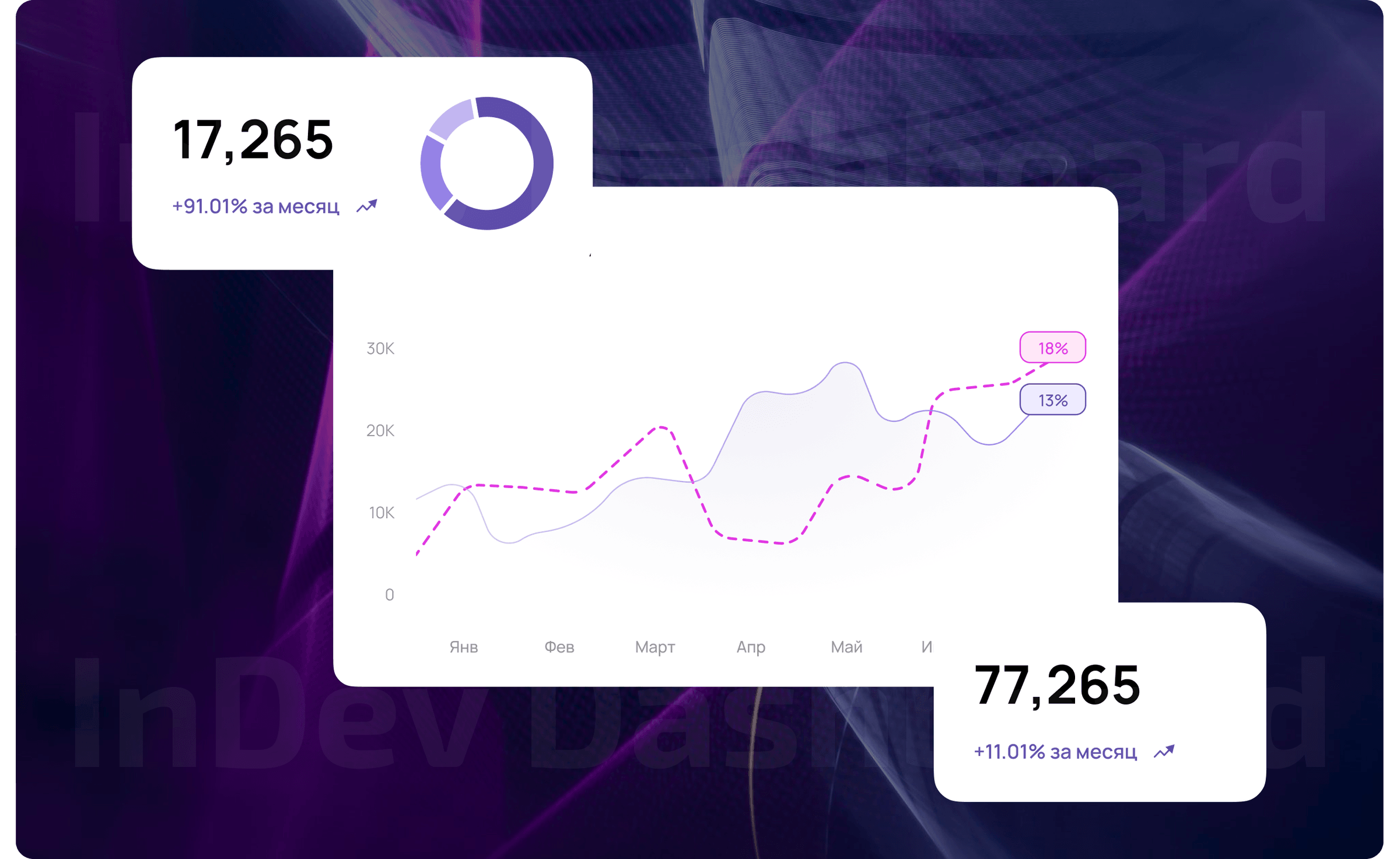
InDev Dashboard goes beyond displaying metrics to enable meaningful analysis.
Monitor
Track key organizational performance indicators and their current values.
Compare
Compare actual and planned results, departmental performance, and process trends.

Identify
Detect deviations, changes, and potential risks.
Forecast
Predict potential performance trends based on accumulated data.
Get Recommendations
Leverage the AI assistant to support management analysis and decision-making.
An AI Assistant Built into the Analytics Platform
InDev Dashboard features an intelligent assistant that analyzes accumulated data and helps users work with performance metrics.
The AI assistant can:
- Forecast performance trends;
- Detect anomalous values;
- Identify deviations;
- Generate analytical recommendations;
- Support management decision-making.
Analytics becomes more than a way to understand what is happening — it becomes a tool for assessing how a situation may develop.
Analytics for Different Industries
InDev Dashboard adapts to the specific needs of an organization and can be used across a wide range of sectors.
Government
Monitor key performance indicators, track the implementation of government programs, and analyze the performance of subordinate organizations.

Healthcare
Monitor medical and operational indicators and analyze the performance of healthcare institutions.

Manufacturing and Industry
Monitor production processes, financial indicators, and departmental efficiency.
Holding Companies
Consolidate data from subsidiaries, conduct comparative analysis, and monitor KPI performance across the group.
Financial Services
Analyze financial indicators, monitor trends, and prepare management reports.
Education
Analyze the performance of educational institutions and departments and monitor progress against targets.
Medium-Sized and Large Organizations
Analyze finances, projects, resources, performance indicators, and operational processes.
Designed for Decision-Makers and Data Professionals
Each user has access to the information they need according to their role.

Executive
Gets a comprehensive view of organizational performance, monitors key indicators, and uses analytics to make informed decisions.

Analyst
Creates data marts, dashboards, calculated metrics, and analytical models.

Data Owner
Connects data sources, uploads information, and monitors data quality.
One Platform — Multiple Levels of Management
InDev Dashboard's architecture supports phased scaling. Start with a specific task and expand the platform as your organization's needs evolve.
L1 — Organization
A unified analytics environment for an individual organization, including data collection, dashboard development, KPI monitoring, and forecasting.
L2 — Group of Organizations or Holding Company
Consolidate data from subsidiaries, conduct comparative analysis, and monitor performance indicators across the group.
L3 — Industry or Government Ecosystem
Aggregate information centrally, enable analytics at multiple management levels, and drill down into metrics for individual organizations.
Platform for Your Information Environment
InDev Dashboard is developed in Belarus and can be deployed within your organization's information infrastructure.
Locally Developed Solution
An in-house BI platform by InDev Solutions designed to meet the needs of government and commercial organizations.
On-Premises Deployment
Deploy the solution within your organization's information infrastructure.
Information Security System Development and Implementation
Develop and implement information security systems tailored to your organization's requirements.
Information Security Consulting
Receive expert guidance on regulatory compliance, audit preparation, security solution selection, and information security process management.
Implementation Starts with Your Needs

Define the Objectives
Identify the metrics that need to be monitored and the management tasks the analytics system must address.

Connect Data Sources
Determine the required data sources and integrate them with the platform.

Build the Analytical Model
Consolidate the data and configure the necessary metrics and relationships.

Create Dashboards
Develop analytical dashboards tailored to the needs of executives and specialists.

Launch a Pilot
Test the solution using a specific scenario and evaluate the results.

Scale the Solution
Expand functionality, connect additional data sources, and roll out the solution to other departments or organizations.
Frequently Asked Questions
Turn Data into a Management Tool
Bring your data together, configure key performance indicators, and access up-to-date analytics in one unified platform.